Slabs, walls and shells
Modelling surfaces in Elementarium — outlines, openings and thickness, how a beam or a wall attaches to a slab, local axes, and what a surface result means.
Modeling 7 min read
A surface in Elementarium is an outline with a thickness and a material. You draw the slab, wall or shell as a shape, cut its openings, and the mesher turns it into four-node shell elements that solve with the frame around them. This page covers the modelling decisions; the mesh itself is in Meshing.
One element, three names
Slabs, walls and shells are the same element under different loading. It carries out-of-plane bending (MITC4) and in-plane membrane action (an enhanced-strain membrane that bends in plane without locking) at once, with a drilling degree of freedom so every node has all six. The names describe what you expect the surface to do, not what it can do:
| You call it | It mostly carries | Typical results to read |
|---|---|---|
| Slab, raft, flat plate | Out-of-plane bending and shear | , , , , , deflection |
| Wall, core, deep beam | In-plane membrane forces | , , , principal forces |
| Shell, tank, folded plate | Both together | Everything above |
A floor slab that also acts as a diaphragm under wind, or a wall that also bends under soil pressure, is the same surface with nothing extra to switch on.
Drawing a surface
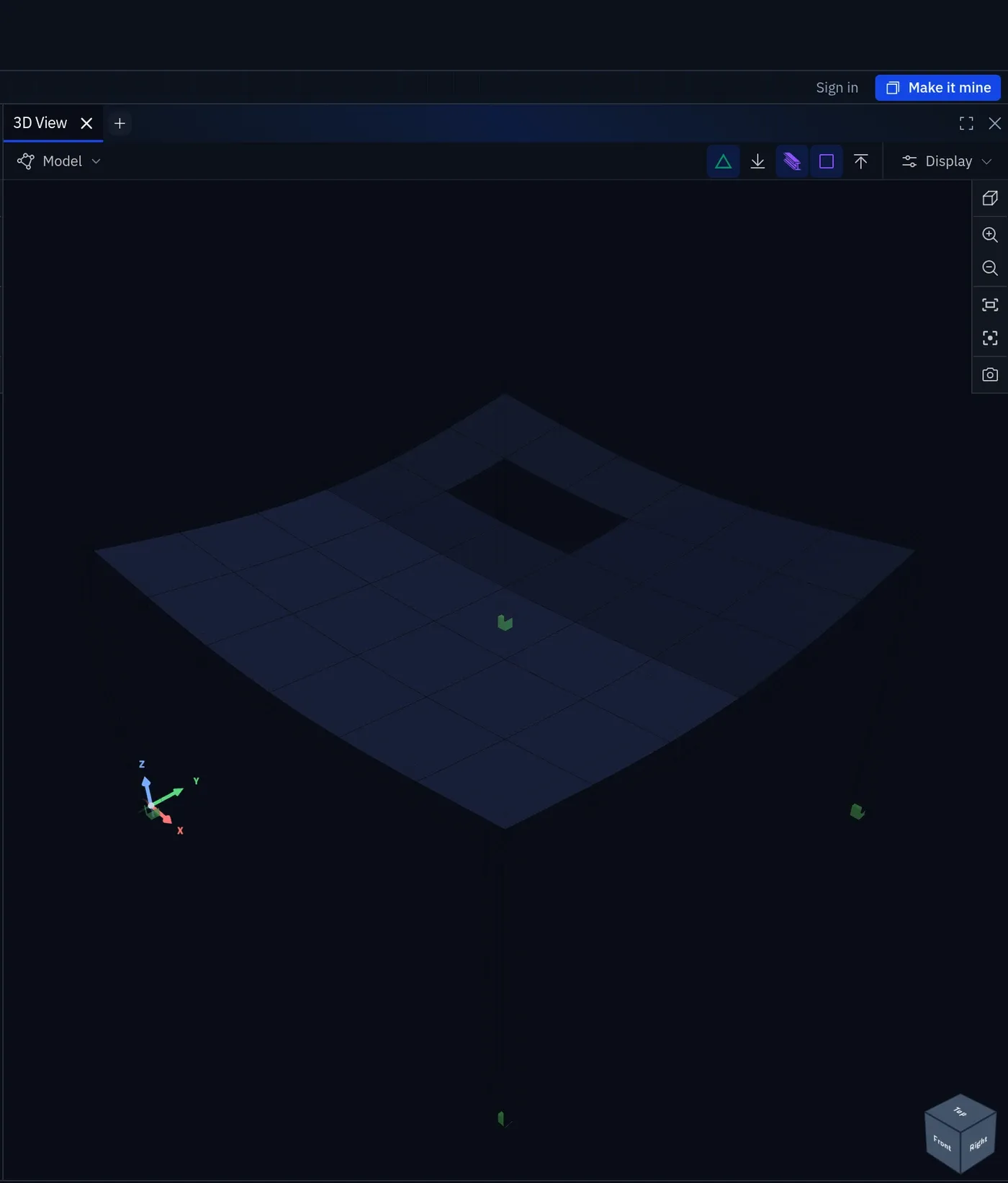
- Outline it by its boundary, from coordinates or by snapping to a DXF underlay (Drawings and snapping). The outline is the surface's mid-plane.
- Cut the openings. A stair void, a service riser, a window in a wall: each is an opening in the surface, and the mesh goes round it.
- Set the thickness and the material. Thickness is the one property the surface has that a member gets from its section. Everything else (, , density) comes from the material.
- Support it along edges or at points: a line support along a wall line, a nodal support at a column.
- Mesh and solve. The mesh is generated from the outline at the project's target element size, with a local override where the surface earns one.
Surfaces are modelled at their mid-plane, as members are at their centreline. A 250 mm slab on a 600 mm downstand beam has its mid-plane 425 mm above the beam's centreline. Where that offset matters, model it with an eccentricity (below).
How other things attach
The mesh is the connection, and the connection is stored, never guessed. When you draw a node or member that lies on a plate, Connect to plate? asks whether it should be meshed in; Not now leaves it separate, with its own nodes even where it lies on the plate's line. The plate's properties list what is connected, with Connect to the plate and Disconnect from the plate to change it. Once connected, a curve is discretised exactly once, and every surface or member on it shares the chain of nodes along it:
- Two slabs sharing an edge are continuous across it. A two-panel floor gives the same answer as one surface or two.
- A wall meeting a slab shares the edge nodes, and because the element has a drilling degree of freedom the moment transfers. A slab spanning onto a core wall is continuous with it unless you release it deliberately.
- A beam along a slab edge, or a rib across a slab, is embedded in the slab's mesh and shares one row of nodes with it. The beam and slab act together, and the finer of the two subdivisions wins, so the beam cannot be coarser than the slab it stiffens.
- A column under a slab meets it at a node. That node is a point support in a plate, and the moment there is a singularity: read the moment at the column face, or spread the support over its real bearing area. See Choosing element size.
A member that is not connected — skipped at the prompt, or merely passing near the surface — shares no nodes with it and does not act with it. If a slab and its edge beam deflect independently, check the plate's connections first.
Downstands and offsets
A beam under a slab acts compositely with it, and the composite action comes from the offset between the two centrelines. Modelling both at the same level gives a T-beam its web only. A member can carry its own eccentricity: a downstand sits below the slab mid-plane by half the slab depth plus half the beam depth, and the solver adds the offset as a constraint without a separate node and rigid arm. See Supports and releases.
Local axes and what m_x means
Every surface has a local and in its plane and normal to it. Results are reported in those axes, per unit width. is the bending moment about the local axis, producing stress in the local direction: the moment that reinforcement running in resists.
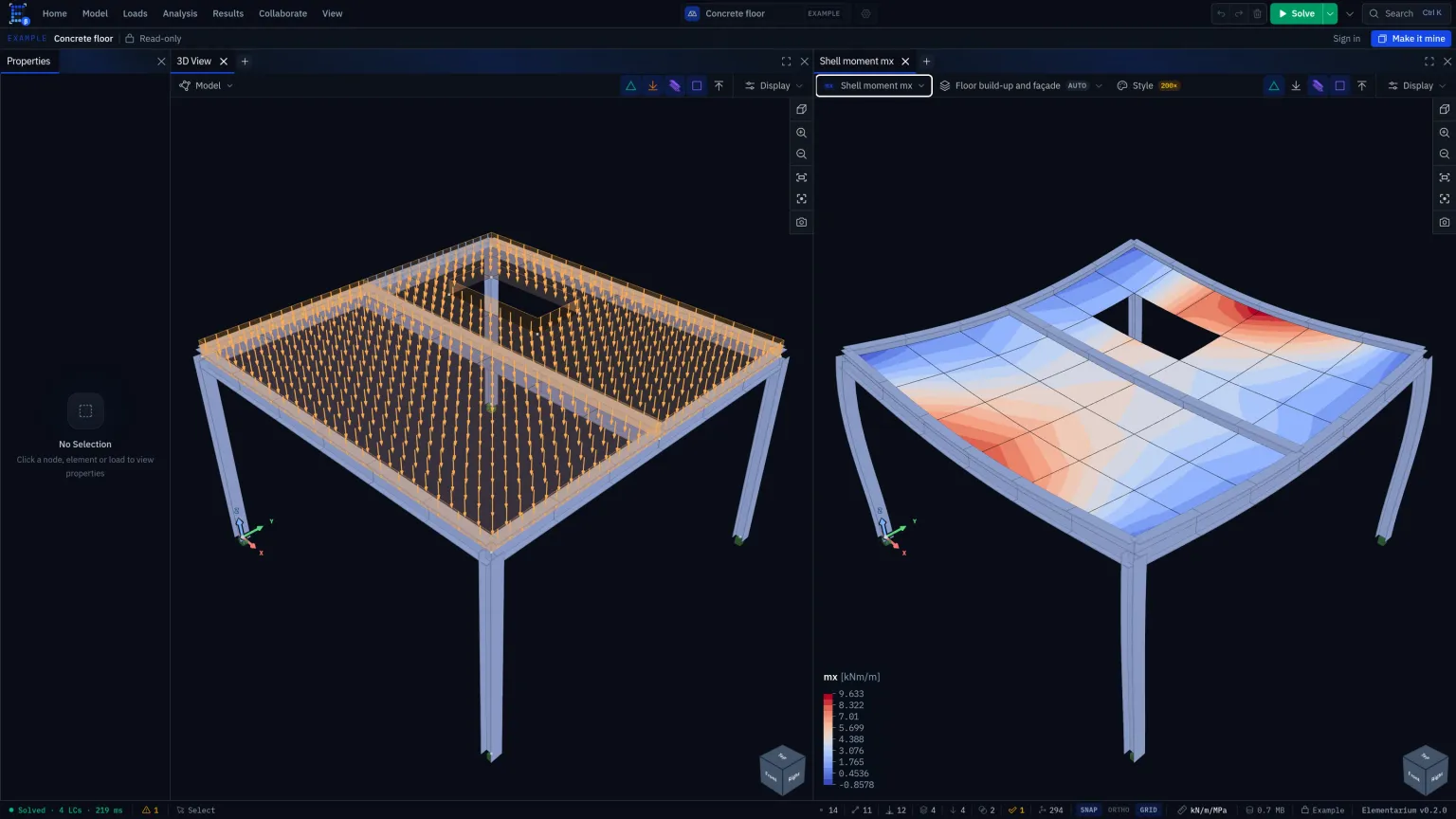
Units are per unit width: kNm/m, kN/m. Units explains why
this is the most common silent error in slab design.
Thickness and what it buys
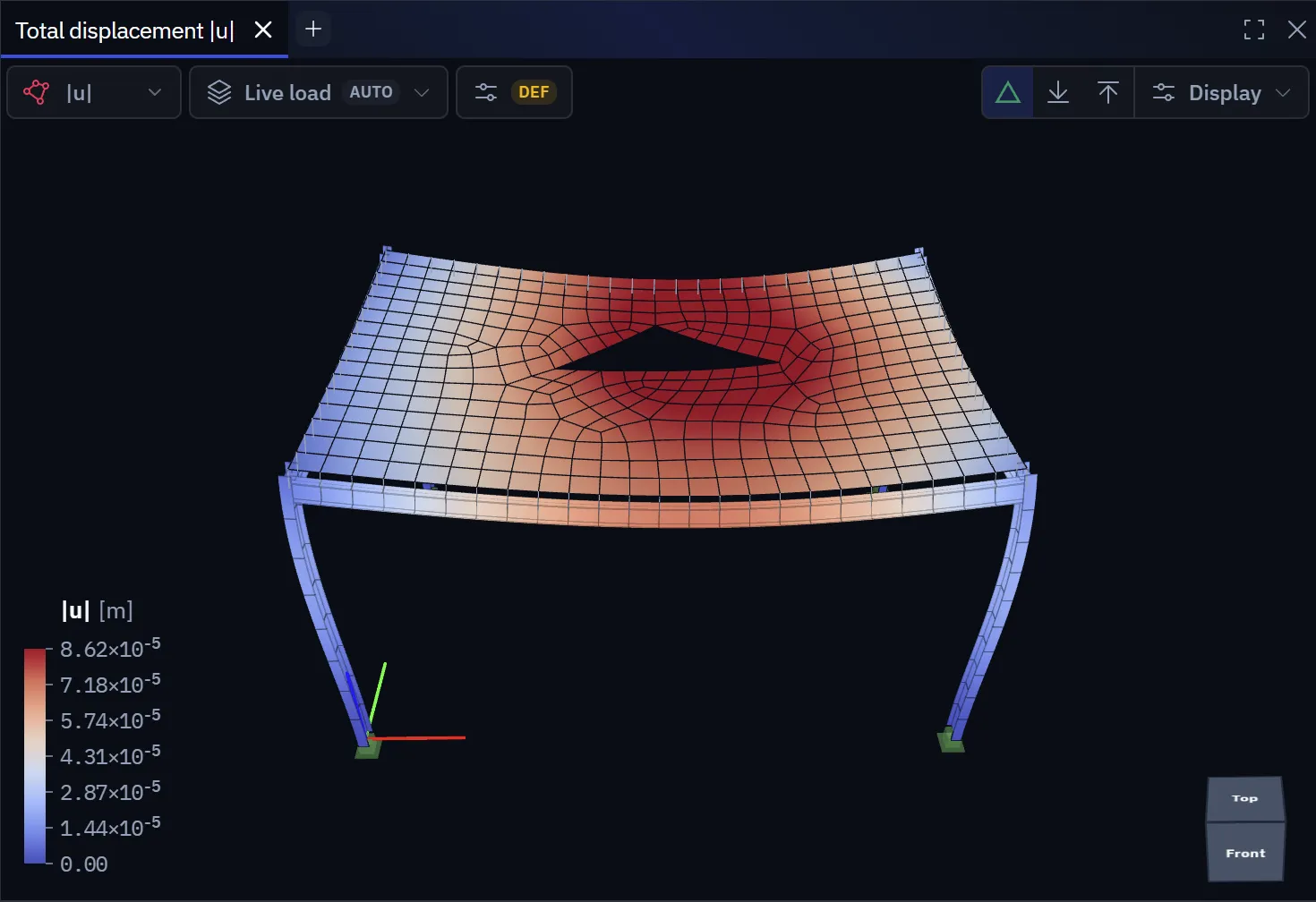
The element does not shear-lock, so a thin slab and a thick raft use the same formulation with no thin-versus-thick switch. Thickness enters the membrane stiffness as and the bending stiffness as :
Doubling a slab's thickness makes it eight times stiffer in bending and only twice as stiff in-plane. That is why a deflection problem is solved with depth and a diaphragm problem is not.
Mass and self-weight are also generated from thickness, so a slab whose thickness is in the wrong unit is both weightless and floppy, or the reverse.
Curved surfaces
A shell is meshed into flat facets, so a curved surface (a tank wall, a dome, a barrel roof) is approximated by planar elements, and the accuracy of the curvature depends on the mesh in a way a flat slab's does not. The element corrects for warping, so a four-node element whose corners leave its plane is not strained by a rigid motion and a twisted surface does not lock, but each facet is still flat: keep warping across the curvature below about 10° where you quote results, and refine until each element spans less curvature. See Mesh quality.
What a surface will not do
- Crack, creep or yield. The result is linear elastic and uncracked. Service deflections of a concrete slab are several times the linear value; apply the code's cracked-section methods to the linear result.
- Lift off a support. A line support along a wall resists tension. Where a combination lifts an edge, look at the reactions and interpret. See Elastic foundations.
- Buckle locally. The analysis reports the elastic response. Plate buckling of a thin wall is a design question, and neither steel module covers it.
- Give you a design strip moment. The contour is the element field, and the peak over a column is a singularity. Integrating across a strip is a hand calculation from the contour or the element table today; a section-cut tool is on the roadmap.
- Sit on a Winkler bed under its face. A line support along an edge is available; the area case is not switched on yet. See the note on Elastic foundations.
Before you solve
- The outline is closed, and openings lie inside it.
- Thickness and material are set, in the right units.
- Every member meant to attach lies on the outline or across the surface, not near it.
- Local axes point where the reinforcement will run.
- Supports restrain the surface in plane as well as out of plane. A slab on vertical-only supports is free to slide.
- The mesh is fine enough for the quantity you will quote, and you have checked that by refining once. See Choosing element size.
Something wrong or unclear on this page? Tell us, and it gets corrected.