Bars, beams and trusses
When a member should be a bar and when a beam, how to model trusses and bracing, and what to do about members that only work in tension.
Modeling 5 min read
Elementarium has two line elements. Choosing between them is the first modelling decision on every member. The wrong choice produces either a mechanism or a moment that should not exist.
The two elements
| Bar | Beam | |
|---|---|---|
| Degrees of freedom per node | 3 — translations | 6 — translations and rotations |
| Carries | , , , , , | |
| Load along its length | Contributes to the nodes only | Bending along the member |
| Exact for | Prismatic members loaded at their ends | Nodal values of prismatic members, under end and member loads |
| Moment releases | Not applicable | At either end, or both |
The full formulations are in Element formulations. The practical rule is shorter:
A bar is a member that carries axial force and nothing else. A beam is everything else.
When a bar is right
- Truss members connected by genuine pins, or by gusset plates in a triangulated structure where axial force dominates so completely that the secondary moments are ignored by convention.
- Bracing: roof bracing, wall bracing, cross bracing in a bay.
- Ties and hangers in tension, struts in compression.
- Cables, only as a straight member with a linear stiffness. A sagging cable's geometric nonlinearity is not represented.
The steel hall example uses bars for its roof and wall bracing and beams for everything else, which is the usual split.
When a beam is right
- Anything continuous at its ends: columns, rafters, girders, purlins over several supports.
- Anything loaded along its length. A bar has no bending stiffness, so a distributed load on a bar goes straight to the nodes and the member reports no moment. That is wrong for a purlin and right for an unloaded brace.
- Anything whose bending matters to the design check. The steel modules check , and their interaction with ; a bar hands them alone.
If in doubt, use a beam and release the ends you believe are pinned.
Releasing both ends
A beam released in moment at both ends is a pin-ended member, and often the right model: a simply supported secondary beam under a distributed load is exactly that. A bar would be wrong there, because a bar drops its span load straight to the nodes.
What a release can leave free is the rotation of a node that nothing else holds — a node where every member is released, say. The solver locks such rotations before it solves and reports that it did, so the solve completes. Read that message: a rotation you meant to restrain shows up there too. See Singular stiffness matrix.
Modelling a truss
- Draw the chords as beams and the web as bars. Real chords are continuous through the panel points, and modelling them so puts the small secondary moments where they really are. An all-bar truss is fine for a textbook exercise and slightly optimistic for a real one.
- Put nodes at every panel point, and only there. Members meeting at a common node share it; two members that cross without a node pass through each other. See Your first model.
- Apply loads at the nodes for a pure truss. If a purlin sits between panel points, the chord is carrying bending and should be a beam.
- Restrain the out-of-plane direction on a planar truss modelled in 3D. Every node of a plane truss can move out of plane unless something stops it. See Plane frames in a 3D solver.
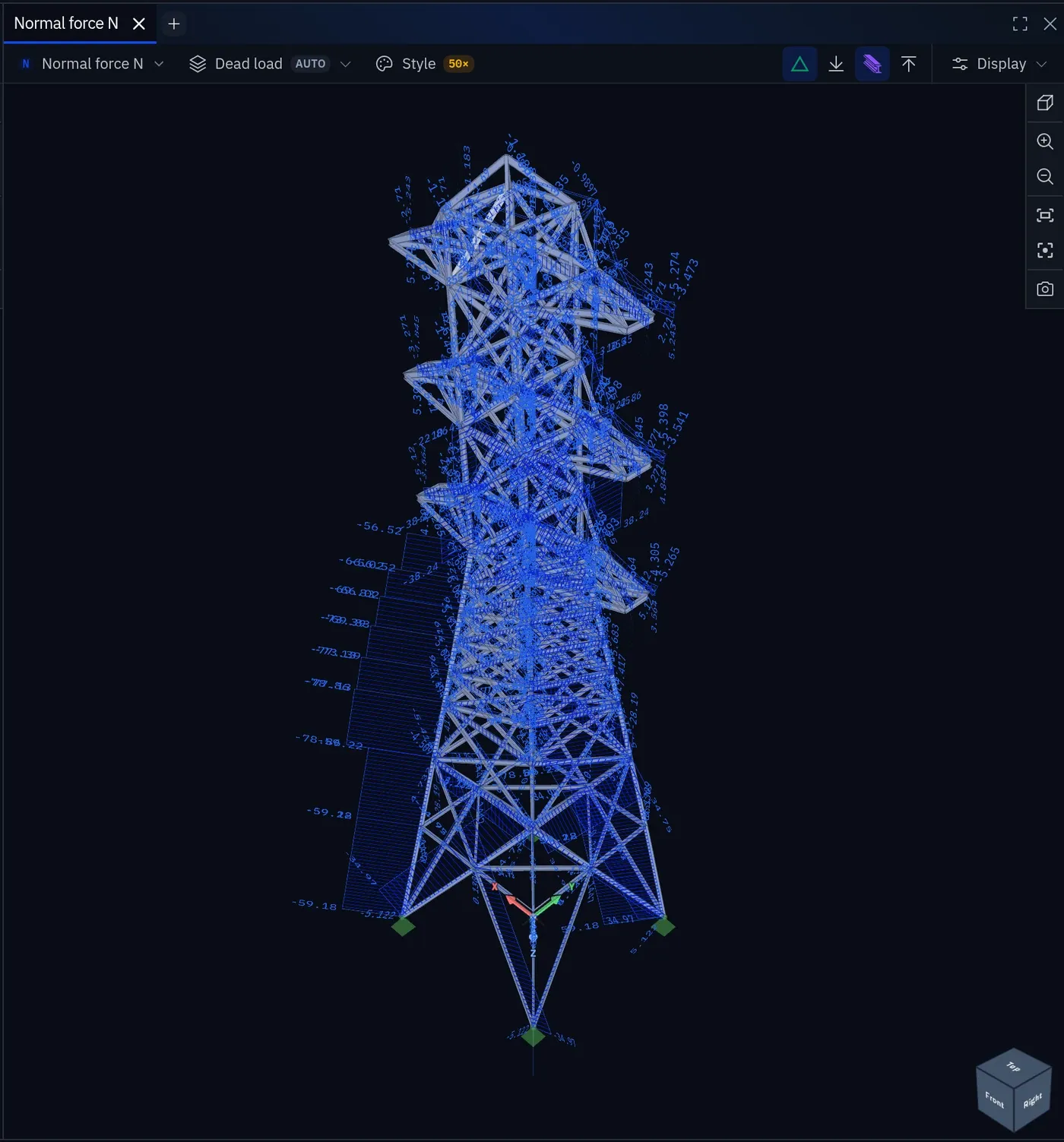
- Check for real mechanisms. A node connected only to bars has no rotational stiffness, and the solver locks those rotations itself. A truss that can still move — a missing diagonal, a panel with no bracing — is a mechanism, and the pre-solve model check names it.
Bracing and the tension-only problem
Cross bracing (two diagonals in an X) is usually designed on the assumption that the compression diagonal buckles out and the tension diagonal takes the whole shear. A linear analysis does not know that: both diagonals carry half the shear, one in tension and one in compression.
| Option | How | Trade-off |
|---|---|---|
| Model both diagonals | Read the tension diagonal's force. The compression one reports the same magnitude; the real tension force is roughly double the linear one. | The usual approach, and unconservative in stiffness: the frame is about twice as stiff as the tension-only reality, so sway, drift and come out optimistic. Check those on a model with one diagonal. |
| Model only the tension diagonal | For each wind direction, in a copy of the project or by swapping the diagonal between runs; read that run for that direction. | Exact for the bracing, and more work. A member exists in every load case, so the two directions cannot share one model. |
| Give the compression diagonal a very small area | It then contributes almost nothing. | Do not use zero: a member with no stiffness is a solver error, not a tension-only member. Do not read its own force for anything. |
Linear buckling will usually show the slender compression diagonal as the first mode. That confirms the design assumption; it is not a problem to fix.
Shear connections and the moment that should not be there
The opposite mistake: a beam bolted to a column with a simple web cleat, drawn as continuous, attracts a hogging moment it cannot carry. The model is stiffer than the structure, the column gets a moment the connection will never deliver, and the beam's mid-span moment is understated.
Use a release at that end (Supports and releases) or, for a bolted end plate that is neither pinned nor rigid, a rotational stiffness on the release. Say in the report which you chose.
Choosing quickly
| Member | Element | Ends |
|---|---|---|
| Column in a moment frame | Beam | Continuous |
| Rafter of a portal frame | Beam | Continuous at the eaves |
| Simply supported beam on two supports | Beam | No releases — the supported nodes are free to rotate |
| Secondary beam between two girders | Beam | Release one end; release both only where the girders hold the end nodes' rotation |
| Truss chord | Beam | Continuous |
| Truss diagonal | Bar | — |
| Roof or wall bracing | Bar | — |
| Purlin | Beam | Released or continuous, as built |
| Tie rod | Bar | — |
Two of those rows are where models go wrong. A beam spanning between two supports needs no release: the pinned supports restrain translation and leave rotation free, and the beam's ends rotate with the nodes. A beam spanning between two other members is different. Its end nodes are held in rotation only by whatever else meets there, and a release at both ends about an axis nothing else restrains is the mechanism described above. If the member genuinely carries no moment, make it a bar.
Something wrong or unclear on this page? Tell us, and it gets corrected.